Free online file converter
Convert PDF, Word, images, video and DWG drawings for free, no sign-up.
- Video Editor - Cut and reorder your video, add captions, stickers, background music and retro filters like an old camcorder, and export an MP4 in the ratio you want.
- Word Converter - Convert DOCX, DOC, ODT, RTF, Markdown (MD) and EPUB to PDF, other document formats, HTML, text, EPUB or Markdown.
- HWP Converter - Convert Hangul HWP 5.0 (2002+) documents to editable Word (DOCX), or export to PDF, HTML or text. Tables and images are kept.
- HWPX to Text - Extract the body text of a HWPX document to TXT, paragraph by paragraph.
- Markdown → PDF, Word - Convert Markdown (MD) to PDF, Word (DOCX) or HTML, keeping headings, tables and code.
- PowerPoint Converter - Convert PPT, PPTX, ODP and Keynote to PDF or other presentation formats.
- Excel, CSV Converter - Convert between XLSX, XLS, ODS and CSV, and to or from JSON and HTML tables. Workbooks with several sheets are split into one file per sheet.
- Data converter (JSON, XML, YAML, CSV) - Convert between JSON, XML, YAML, CSV and Excel. Nested items become 'parent.child' columns in tables.
- Excel → PDF - Turn Excel, CSV and Numbers sheets into print-ready PDF.
- PDF → Image - Turns each PDF page into a JPG or PNG image. Choose the resolution and optionally trim white borders.
- Image → PDF - Make one PDF per image or combine all into a single PDF. Drag thumbnails to reorder.
- PDF → Word, PPT, Excel - Turn PDFs into editable Word (DOCX) or PowerPoint (PPTX) files, and pull tables out into Excel (XLSX).
- PDF → Text - Extracts the text in a PDF to TXT. For scanned PDFs, use “OCR”.
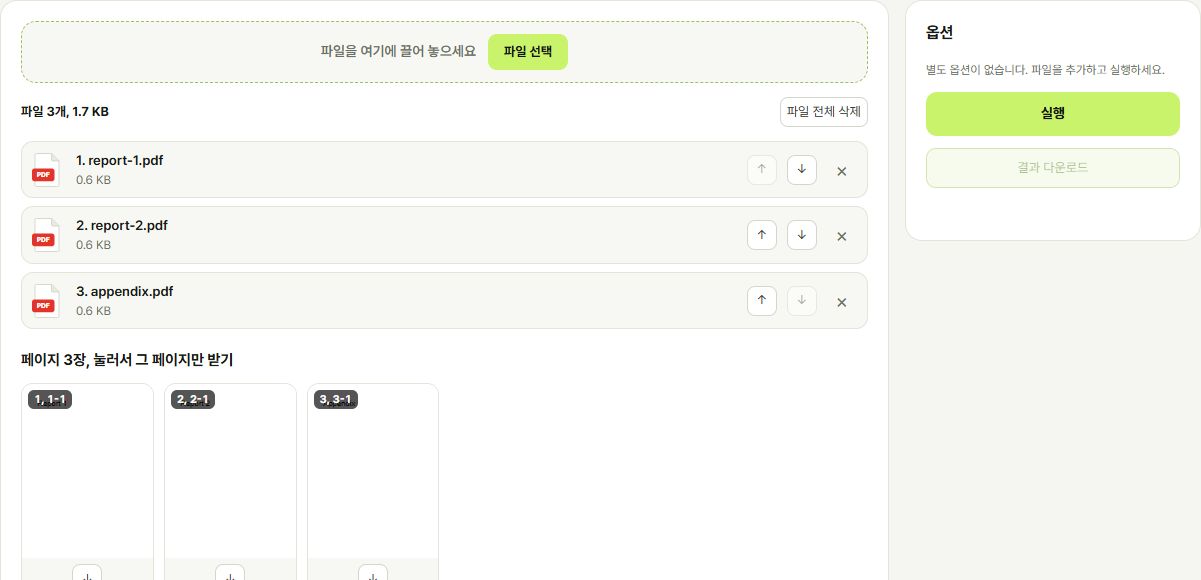
- PDF Page Organizer - Drag pages to reorder, rotate or delete them, and extract only selected pages. Upload several PDFs to interleave their pages.
- Merge PDF - Combine several PDFs into one in list order. Use “PDF Page Organizer” to interleave pages.
- Split PDF - Split into single pages, by ranges, every N pages, or into files under a set size (MB). Click a thumbnail to get just that page.
- Trim PDF Margins - Finds and trims the white margins of every page. Text and graphics stay sharp.
- Compress PDF - Makes a PDF smaller. Works best on scanned PDFs; text can't be selected after compression.
- PDF Page Numbers - Adds page numbers to every page. Choose the position, format and starting number.
- PDF Watermark - Stamps your text as a watermark across the center of every page.
- Sign PDF & Images - Draw or type a signature, or load a stamp image, and place it anywhere on a PDF or image (JPG, PNG, WEBP).
- OCR Text Recognition - Recognizes text in scanned PDFs and photos and saves it as a searchable PDF, text or Word file.
- Translate PDF - Translates a PDF and puts the text back in place, keeping tables, images and layout. Scanned PDFs work too. Available in desktop Chrome and Edge.
- Stamp Maker - Makes a personal, square or company seal from a name or company name and saves it as a transparent PNG.
- Photo Filters - Apply one of 9 filters such as film, airy film, Japanese landscape, flash snap or camcorder. Colors are tuned differently for portraits and landscapes.
- Remove Background - Keeps the person or object and removes the background. Make it transparent, blurred or a solid color.
- Image Converter, Editor - Convert JPG/PNG/WEBP, resize, adjust quality, rotate, flip, grayscale and trim margins in one go.
- Compress & resize images - Make photos smaller. Pick quality and size and see the result size right away.
- Image watermark - Add a text watermark such as your name or company to photos. Center, bottom right or tiled.
- Trim Image Margins - Automatically trims the white margins of scans and screenshots.
- Merge Images - Stitch several images vertically or horizontally into one. Drag thumbnails to reorder.
- HEIC, RAW, PSD Converter - Convert iPhone HEIC, camera RAW (CR2, NEF, ARW, DNG, etc.), Photoshop PSD, EPS, EMF/WMF, TIFF and AVIF to JPG, PNG, WEBP or PDF, and turn JPG or PNG into HEIC.
- QR code generator - Make QR codes for links, text, Wi-Fi or contacts. Pick a color and save as PNG or SVG.
- Barcode generator - Make product barcodes (EAN-13, UPC-A) and logistics/internal barcodes (CODE 128, CODE 39) as PNG or SVG.
- SVG → PNG, JPG, PDF - Render vector SVG to images at any scale, or to PDF.
- Image → SVG - Turns logos, icons and illustrations into SVG vectors that stay sharp at any size.
- Illustrator AI Converter - Convert Adobe Illustrator AI files to PDF, PNG or JPG. Only AI files saved with “Create PDF Compatible File” are supported.
- DWG, DXF Drawing Converter - Convert AutoCAD DWG and DXF drawings to PDF, PNG or SVG, and DWG to DXF.
- Video Converter - Convert between MP4, MOV, AVI, MKV, WEBM and more, turn videos into GIFs and GIFs into videos, or extract the sound as MP3. Subtitles (SRT, VTT, SMI, ASS) convert too.
- Audio Converter - Convert between audio formats such as MP3, WAV, FLAC, M4A and OGG, or turn audio into an MP4 video with a black screen.
- Archive Converter - Convert ZIP, 7Z, RAR, TAR, GZ, BZ2 and XZ archives to ZIP, 7Z, TAR or TGZ.
- Font Converter - Convert TTF/OTF to WOFF/WOFF2 web fonts and back.
Any file,
any format.
From merging PDFs to converting Word, PowerPoint, Excel and HWP, removing image backgrounds and DWG drawings. Upload a file and see every format it can become.
Quick convert
Upload several files and pick an output format for each.
Drop files here
or click to choose, up to 30 files
Choose filesSettings
All tools
Organized by file type.
Drop files here
Choose filesPages
Result
Options
How to use
FAQ
Related tools
Supported formats
See what ANYTOOLBOX can do and every file format it converts, at a glance.
What is ANYTOOLBOX?
A free toolbox for converting and editing documents, PDFs, images, videos and drawings without signing up. Most jobs, like photo editing, signatures and stamps or QR codes, run inside your browser without uploading your files.
 PDF tools
Merge, split (also by file size), reorder, compress, number pages, recognize text and translate PDFs in one place.
Open → Document conversion
Turn Word, HWP, PowerPoint and Excel files into PDF, and PDFs back into Word, images or text.
Open →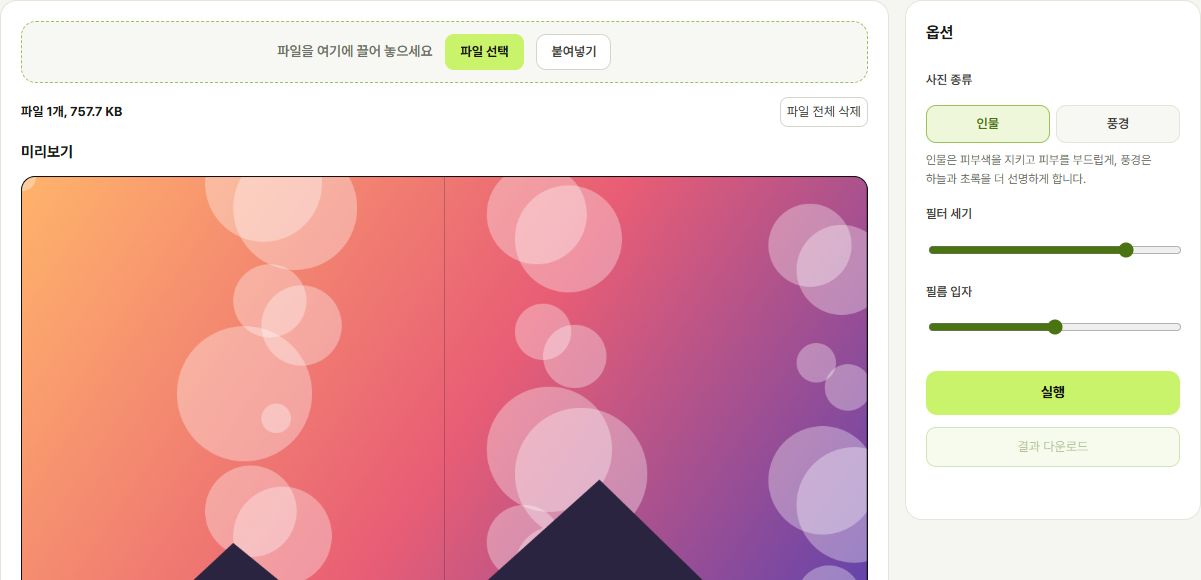 Photo Editing
Filters, background removal, cropping, compression, watermarks and photo joining. Your photos never leave the browser.
Open →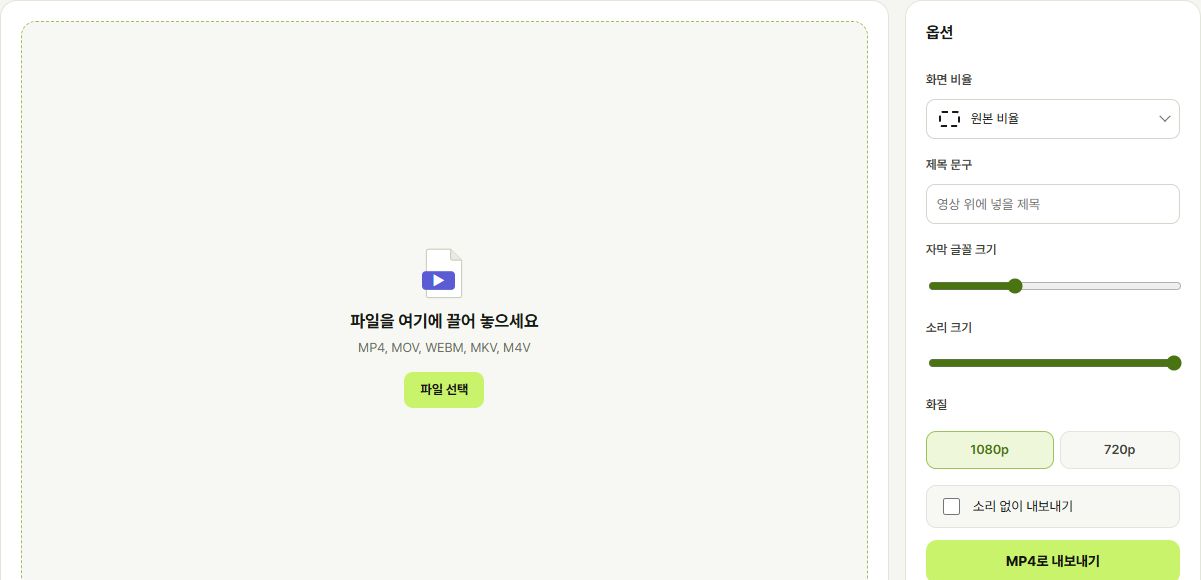 Video Editor
Cut clips, add captions, stickers, music and camcorder filters, then export in Shorts or Reels format.
Open →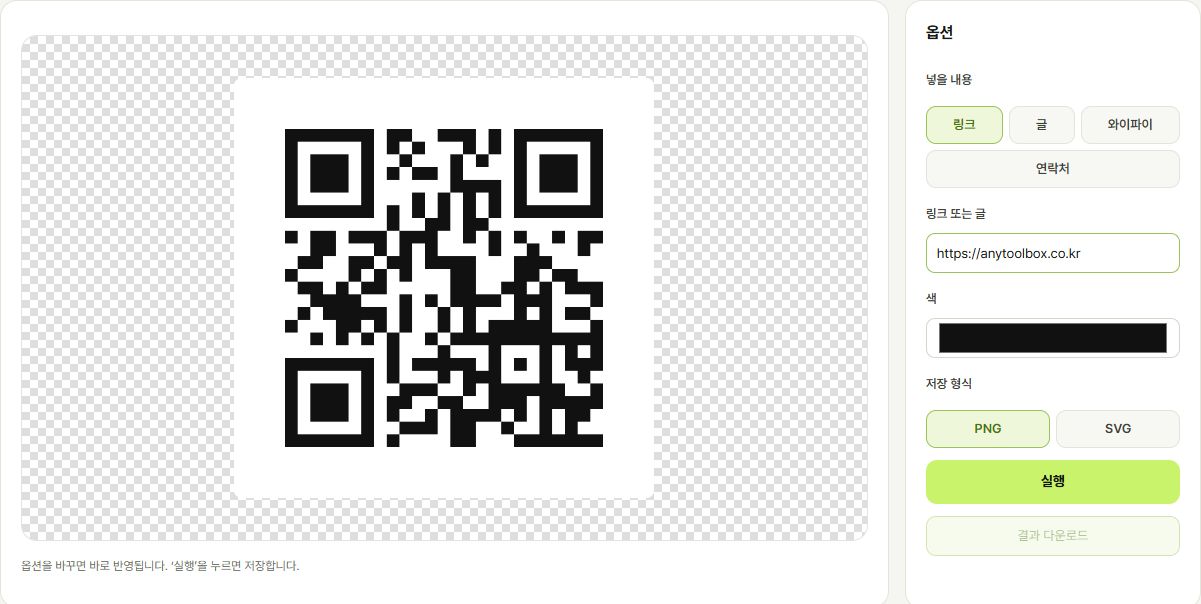 QR codes & barcodes
Draw QR codes for links, Wi-Fi and contacts, or product barcodes, and save them as PNG or SVG.
Open →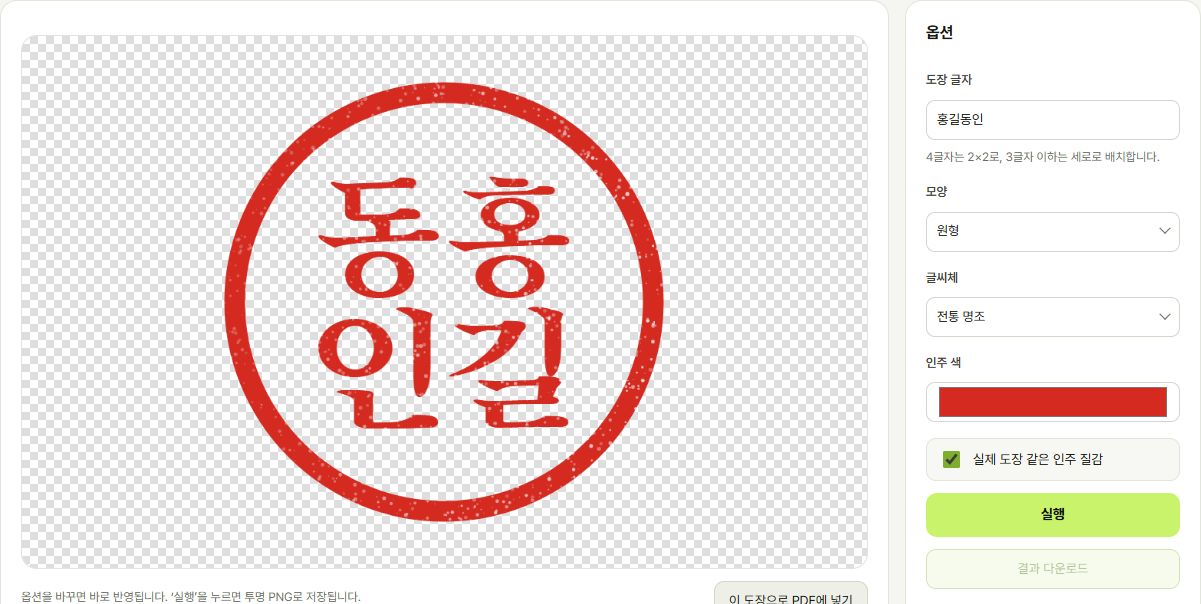 Signatures & stamps
Make name stamps and handwritten signatures and place them anywhere on a PDF.
Open →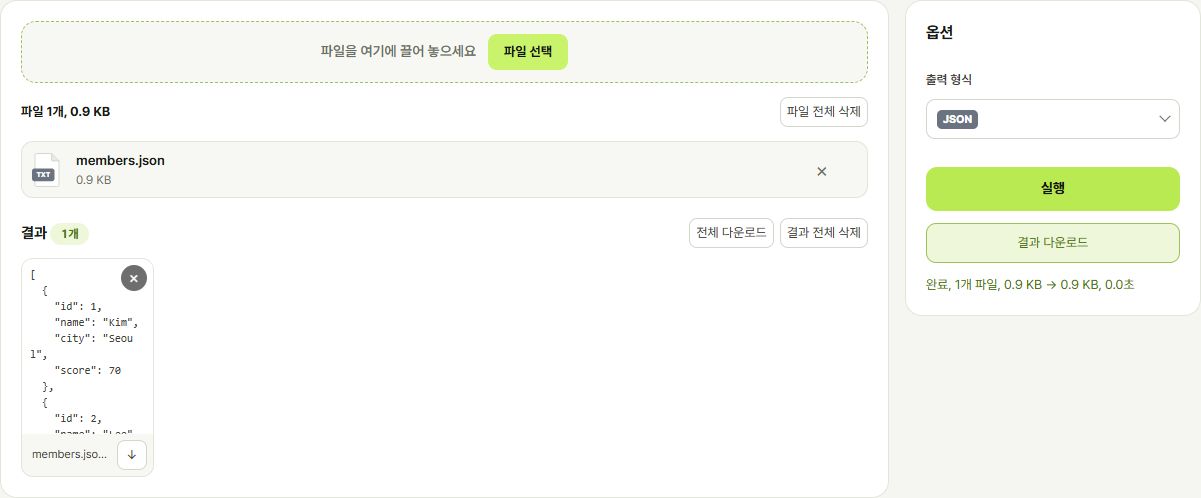 Data conversion
Convert between Excel, CSV, JSON, XML and YAML, with a table preview.
Open →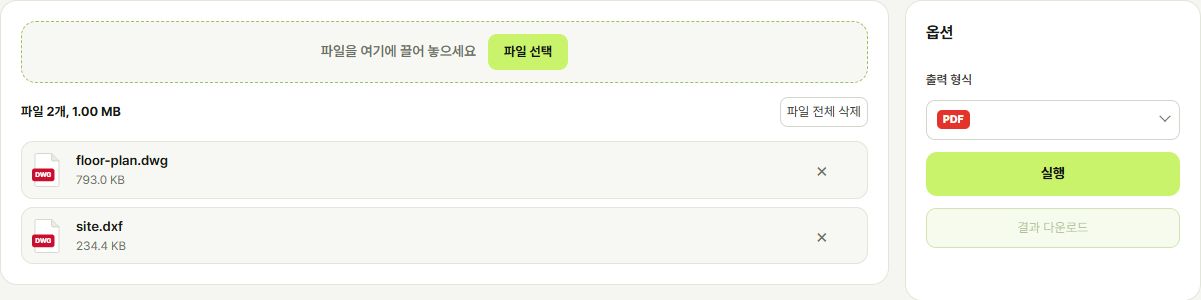 Drawings, media & archives
Turn DWG and DXF drawings into PDF or images, and convert video, audio, archive and font formats.
Open →Supported formats
Click a format to see what it can be converted to.
Formats
History
Recent jobs, stored only in this browser.
Remove ads
Sign in and buy us a coffee (2,500 KRW): every ad disappears for the period you choose. It's saved to your account, so your other devices stay ad-free too.
Contact & feedback
Check the FAQ first. If it doesn't answer your question, send us a message.
Weekdays 10:00 – 18:00 (KST)
Messages sent on weekends or holidays are read the next business day.Send your proposal by email.
Choose Advertising & partnership as the type.FAQ
Is it really free with no sign-up?
Yes. Every conversion and editing tool is free with no sign-up; the site runs on ads. To use it without ads, sign in and request ad removal.
Where are my uploaded files stored?
Most tools, like photo editing, signatures and QR codes, run in your browser, so files never reach our server. Documents and drawings that need server conversion are deleted right after processing.
Is there a file size limit?
Yes, by type: documents 20MB, PDF 50MB, video 100MB and so on. See the guide for details.
The result looks different from the original.
Documents with complex tables or special fonts may shift a little. Send a bug report with the file attached and we'll look into it.
Can I convert a password-protected PDF?
No. Remove the password first, then upload it again.
How do I remove the ads?
Tap Sign in at the top, sign in with Google or Kakao, then request a coffee in Remove ads. Ads disappear for the period you choose.
Send us a message
Your mail app opens with the message filled in. Attach screenshots or files in the email yourself.
Before you send
- The tool you used
- File type and size
- Your browser (Chrome, Safari, etc.)
- A screenshot of the error
Guide
File size limits and how files are handled.
File size limits
Every feature is free with no sign-up. The service is supported by ads.
Uploaded files are deleted right after processing and never stored or analyzed. History is kept only in your browser.
Content is detected by contrast against white and a 4px safety margin is kept. PDF trimming keeps text quality intact.
Password-protected PDFs and AI files saved without PDF compatibility cannot be converted. Complex documents may shift layout slightly.